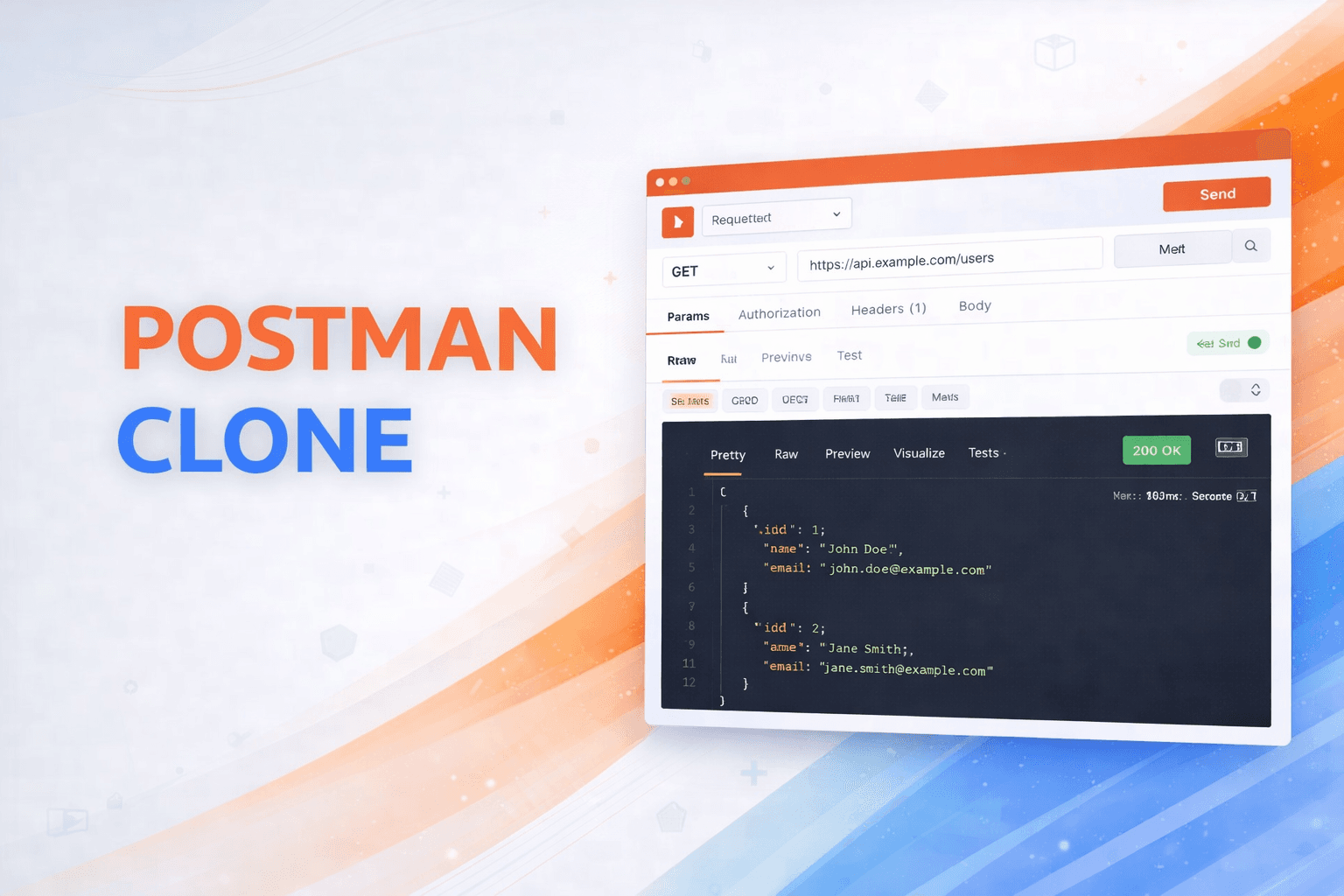
Postman Clone
A lightweight, browser-based API testing tool inspired by Postman. Test your APIs with a clean interface and get instant feedback on response status, timing, and data.
Timeline
2 weeks
Role
Frontend Developer
Team
Solo
Status
CompletedTechnology Stack
Key Challenges
- HTTP Request Builder Implementation
- CodeMirror JSON Editor Integration
- Dynamic Request Parameter Management
- Response Formatting and Display
- Error Handling for API Calls
- Performance Metrics Calculation
Key Learnings
- Axios HTTP Client Configuration
- CodeMirror Editor Setup
- Bootstrap 5 Component Design
- Vite Build Tool Configuration
- JSON Syntax Highlighting
- HTTP Protocol Understanding
- Pretty-bytes Library Usage
Postman Clone
Overview
A lightweight, browser-based API testing tool inspired by Postman. This application provides developers with an intuitive interface to test REST APIs, configure requests with custom headers and parameters, and view formatted responses with detailed performance metrics. Built with modern JavaScript and Vite, it offers fast performance and excellent developer experience.
Key Features
- Multiple HTTP Methods: Support for GET, POST, PUT, PATCH, and DELETE requests
- Query Parameters: Add and manage URL query parameters dynamically with key-value pairs
- Custom Headers: Set custom request headers for authentication, content negotiation, and configuration
- JSON Request Body: Send JSON payloads with syntax highlighting and validation via CodeMirror
- Response Viewer: View formatted responses with detailed information including status, timing, and size
- Performance Metrics: Track response time in milliseconds, HTTP status codes, and response size
- Code Editor: Integrated CodeMirror editor with JSON syntax support and auto-completion
- User-Friendly UI: Clean Bootstrap 5 interface with responsive design
- Fast Development: Vite provides hot module replacement for instant updates
Why I Built This
I wanted to create a simple yet powerful API testing tool that:
- Runs entirely in the browser without backend dependencies
- Provides essential API testing features without complexity
- Demonstrates modern frontend development practices
- Offers a lightweight alternative to heavy API clients
Tech Stack
- HTTP Client: Axios
- UI Framework: Bootstrap 5
- Code Editor: CodeMirror
- Build Tool: Vite
- Utilities: pretty-bytes
- Languages: JavaScript, HTML5, CSS3
How It Works
User Interface
Bootstrap 5 provides responsive components and styling for the request builder interface, including method selector, URL input, tabs for parameters/headers/body, and the send button.
Request Building
Users configure HTTP requests through an intuitive interface by selecting the HTTP method, entering the target URL, adding query parameters as key-value pairs, setting custom headers, and writing JSON request bodies using CodeMirror.
Request Execution
When the user clicks "Send", the form data is collected and validated. Query parameters are appended to the URL, and Axios constructs and sends the HTTP request with the specified method, headers, and body while tracking the request start time.
Response Handling
After receiving the response, the data is formatted and displayed with syntax highlighting. The HTTP status code is shown with appropriate styling, response time is calculated in milliseconds, response size is formatted using pretty-bytes, and headers are displayed in a readable format.
Code Editor Integration
CodeMirror provides JSON syntax highlighting and validation, auto-completion for JSON structures, linting to catch syntax errors before sending, and search and command capabilities.
Development Workflow
Vite handles fast hot module replacement for instant updates during development, optimized bundling of dependencies for production, and modern ES module support.
Technical Highlights
Axios Configuration
Configured Axios for making HTTP requests with custom headers, request/response interceptors, and comprehensive error handling.
CodeMirror Integration
Integrated CodeMirror editor with JSON mode, syntax highlighting, line numbers, and bracket matching for better developer experience.
Bootstrap 5 Design
Utilized Bootstrap 5 components including tabs, input groups, buttons, and cards for a modern, responsive interface.
Vite Build System
Leveraged Vite's fast build system with hot module replacement, optimized production builds, and modern JavaScript support.
Response Formatting
Implemented response data formatting with syntax highlighting, pretty-printing for JSON responses, and human-readable size display.
Challenges & Solutions
HTTP Request Builder Implementation
Built flexible request configuration system that handles multiple HTTP methods, dynamic query parameters, custom headers, and JSON request bodies with proper serialization.
CodeMirror JSON Editor Integration
Integrated CodeMirror editor with JSON syntax highlighting, validation, auto-completion, and linting to provide professional code editing experience.
Dynamic Request Parameter Management
Implemented dynamic add/remove functionality for query parameters and headers, allowing users to configure requests with any number of key-value pairs.
Response Formatting and Display
Created comprehensive response viewer that displays formatted JSON, HTTP status codes with color coding, response headers, and performance metrics.
Error Handling for API Calls
Built robust error handling system that catches network errors, invalid URLs, malformed JSON, and displays user-friendly error messages.
Performance Metrics Calculation
Implemented accurate timing measurements for request duration and response size calculation using pretty-bytes for human-readable display.
Usage Guide
- Select HTTP Method - Choose from GET, POST, PUT, PATCH, or DELETE
- Enter URL - Type or paste the API endpoint URL
- Add Query Parameters (optional) - Click "Add" under Query Params tab to add key-value pairs
- Add Headers (optional) - Switch to Headers tab to add custom headers like Authorization, Content-Type
- Add JSON Body (optional) - For POST/PUT/PATCH requests, use the JSON tab to add request body with syntax highlighting
- Send Request - Click the "Send" button to make the request
- View Response - Check the response data with syntax highlighting, status code, response time, and size
Problem Solved
Postman is powerful but heavy and requires installation. For quick API testing during development, developers need a lightweight, browser-based alternative that provides essential features without the bloat. This tool runs entirely in the browser with no backend dependencies.
What Makes It Unique
Unlike browser-based alternatives, this clone includes CodeMirror for JSON editing with syntax highlighting and validation - a feature usually reserved for desktop applications. The real-time performance metrics (response time, size) and Bootstrap 5 interface create a professional experience in a minimal package.
Impact
- Frontend Skills: Mastered CodeMirror integration, Axios configuration, and Bootstrap 5 component design
- Developer Tools Understanding: Gained insight into how API testing tools work internally, useful for building similar developer-focused applications
- Practical Utility: Created a tool I actually use during development when I need quick API testing without launching Postman
Future Enhancements
- Add request history and saving
- Implement environment variables
- Add collection management
- Create authentication presets (OAuth, API Key, etc.)
- Add response status visualization
- Implement request chaining
- Add export/import functionality
- Create shareable API documentation