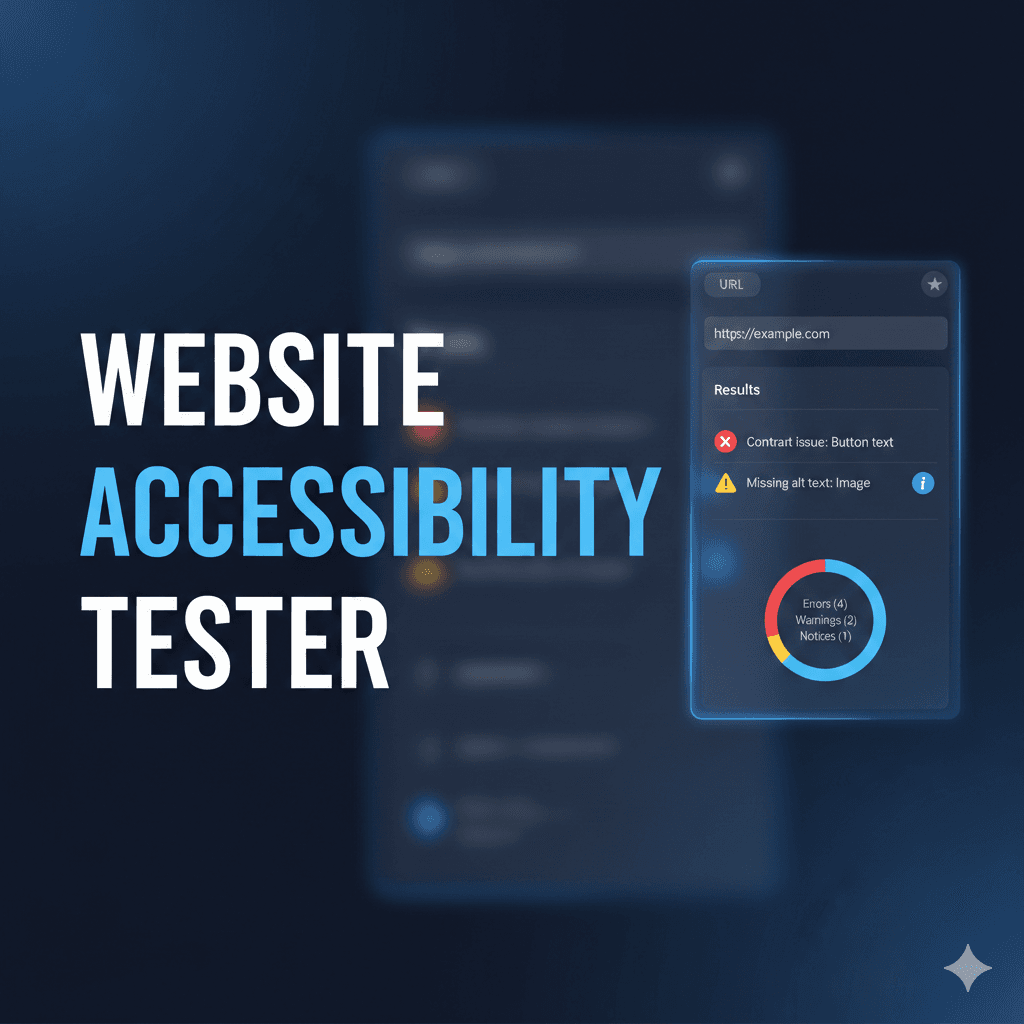
Website Accessibility Tester
A web application to test any website for accessibility issues using Pa11y. Enter a URL and get a detailed report of accessibility problems based on WCAG standards.
Timeline
2 weeks
Role
Full Stack Developer
Team
Solo
Status
CompletedTechnology Stack
Key Challenges
- Pa11y Integration and Configuration
- Puppeteer Headless Browser Setup
- API Endpoint Design
- WCAG Standards Understanding
- Error Handling for Invalid URLs
- Frontend-Backend Communication
Key Learnings
- Web Accessibility Standards (WCAG)
- Pa11y Accessibility Testing
- Puppeteer Browser Automation
- Express.js API Development
- HTML CodeSniffer Integration
- Bootstrap 5 UI Design
- Accessibility Best Practices
Website Accessibility Tester
Overview
A simple yet powerful web application that tests any website for accessibility issues using Pa11y. Enter a URL and instantly receive a detailed report of accessibility problems based on WCAG (Web Content Accessibility Guidelines) standards. This tool helps developers and designers identify and fix accessibility violations to ensure their websites are usable by everyone, including people with disabilities.
Key Features
- Pa11y Integration: Uses Pa11y engine with HTML CodeSniffer for comprehensive accessibility testing
- WCAG Standards: Tests against WCAG2AA standards by default
- Detailed Reports: Provides specific issues including problem descriptions, HTML context, and violated rules
- Puppeteer Rendering: Uses headless Chrome to render JavaScript-heavy sites accurately
- Bootstrap UI: Clean, responsive interface for easy URL submission and result viewing
- RESTful API: Simple GET endpoint for programmatic accessibility testing
- Element Selectors: Shows exact CSS selectors for problematic elements
- Issue Categorization: Groups issues by type (error, warning, notice)
What This Project Does
Testing Process
- URL Submission: User enters a website URL in the frontend form
- API Request: Frontend sends URL to Express backend via
/api/testendpoint - Pa11y Execution: Backend runs Pa11y against the target website using Puppeteer
- Page Analysis: Pa11y loads the page in headless browser and analyzes for WCAG violations
- Detailed Results: Returns comprehensive list of issues with context, selectors, and WCAG codes
Issues Detected
- Missing alt text on images
- Insufficient color contrast
- Missing form labels
- Improper heading structure
- Missing ARIA attributes
- Keyboard navigation problems
- And many more WCAG violations
Tech Stack
- Backend: Node.js, Express.js
- Accessibility Engine: Pa11y (HTML CodeSniffer)
- Frontend: Vanilla JavaScript, Bootstrap 5
- Headless Browser: Puppeteer
- Standards: WCAG 2.1 AA
Architecture
┌─────────────────┐     ┌─────────────────┐     ┌─────────────────┐
│   Browser UI    │────▶│  Express API    │────▶│     Pa11y       │
│  (Bootstrap)    │◀────│  /api/test      │◀────│  (Puppeteer)    │
└─────────────────┘     └─────────────────┘     └─────────────────┘
Technical Highlights
Pa11y Integration
Configured Pa11y with Puppeteer to perform comprehensive accessibility testing using HTML CodeSniffer rules against WCAG 2.1 AA standards.
Express API Endpoint
Built RESTful API endpoint that accepts URL parameters, validates input, runs Pa11y tests, and returns structured JSON results.
Puppeteer Automation
Utilized Puppeteer's headless Chrome to accurately render modern JavaScript applications and single-page apps for testing.
Bootstrap UI
Created clean, responsive user interface with Bootstrap 5 components for URL input, loading states, and result display.
Error Handling
Implemented comprehensive error handling for invalid URLs, network failures, timeout issues, and Pa11y execution errors.
API Reference
GET /api/test
Query Parameters:
url(required): The website URL to test
Example Request:
GET /api/test?url=https://example.com
Example Response:
{
  "documentTitle": "Example Domain",
  "pageUrl": "https://example.com/",
  "issues": [
    {
      "code": "WCAG2AA.Principle1.Guideline1_4.1_4_3.G18.Fail",
      "type": "error",
      "message": "This element has insufficient contrast...",
      "context": "<p style=\"color: #aaa;\">...</p>",
      "selector": "html > body > p"
    }
  ]
}
Installation & Usage
# Install dependencies
npm install

# Start the server
npm start

# Open browser
http://localhost:5000
Challenges & Solutions
Pa11y Integration and Configuration
Successfully integrated Pa11y with proper configuration for WCAG2AA standards, timeout handling, and custom runners for comprehensive accessibility testing.
Puppeteer Headless Browser Setup
Configured Puppeteer to run in headless mode with proper Chrome flags, ensuring accurate rendering of modern web applications for testing.
API Endpoint Design
Designed RESTful API with proper query parameter validation, error responses, and structured JSON output for easy frontend consumption.
WCAG Standards Understanding
Learned WCAG 2.1 guidelines and accessibility principles to properly interpret Pa11y results and provide meaningful error messages.
Error Handling for Invalid URLs
Implemented robust validation and error handling for malformed URLs, unreachable websites, timeouts, and Pa11y execution failures.
Frontend-Backend Communication
Built seamless communication between Bootstrap frontend and Express backend using Fetch API with loading states and error display.
Project Structure
├── index.js            # Express server with API endpoint
├── package.json        # Dependencies and scripts
├── public/
│   ├── index.html      # Frontend UI with Bootstrap
│   └── js/
│       └── main.js     # Client-side API calls
Problem Solved
Web accessibility is often an afterthought, and many developers lack the tools or knowledge to identify WCAG violations. Professional accessibility auditing services are expensive. This tool democratizes accessibility testing - enter any URL and get instant, detailed feedback on issues that might exclude users with disabilities.
What Makes It Unique
While accessibility testing tools exist, most are either expensive, require installation, or are CLI-only. This tool provides a browser-based interface with real-time results - perfect for quick checks during development. The Pa11y + Puppeteer combination ensures accurate testing of JavaScript-rendered content that simpler tools miss.
Impact
- Accessibility Awareness: Deepened my understanding of WCAG standards and inclusive design principles that I now apply to all my projects
- Testing Tool Creation: Learned how to build developer tools that improve code quality and user experience
- Social Impact: Created a tool that helps make the web more accessible to people with disabilities
Future Enhancements
- Add multiple URL testing at once
- Generate PDF reports of accessibility issues
- Add scheduling for recurring tests
- Implement user authentication
- Create accessibility score/rating system
- Add historical tracking of fixes
- Support for testing behind authentication
- Add mobile accessibility testing