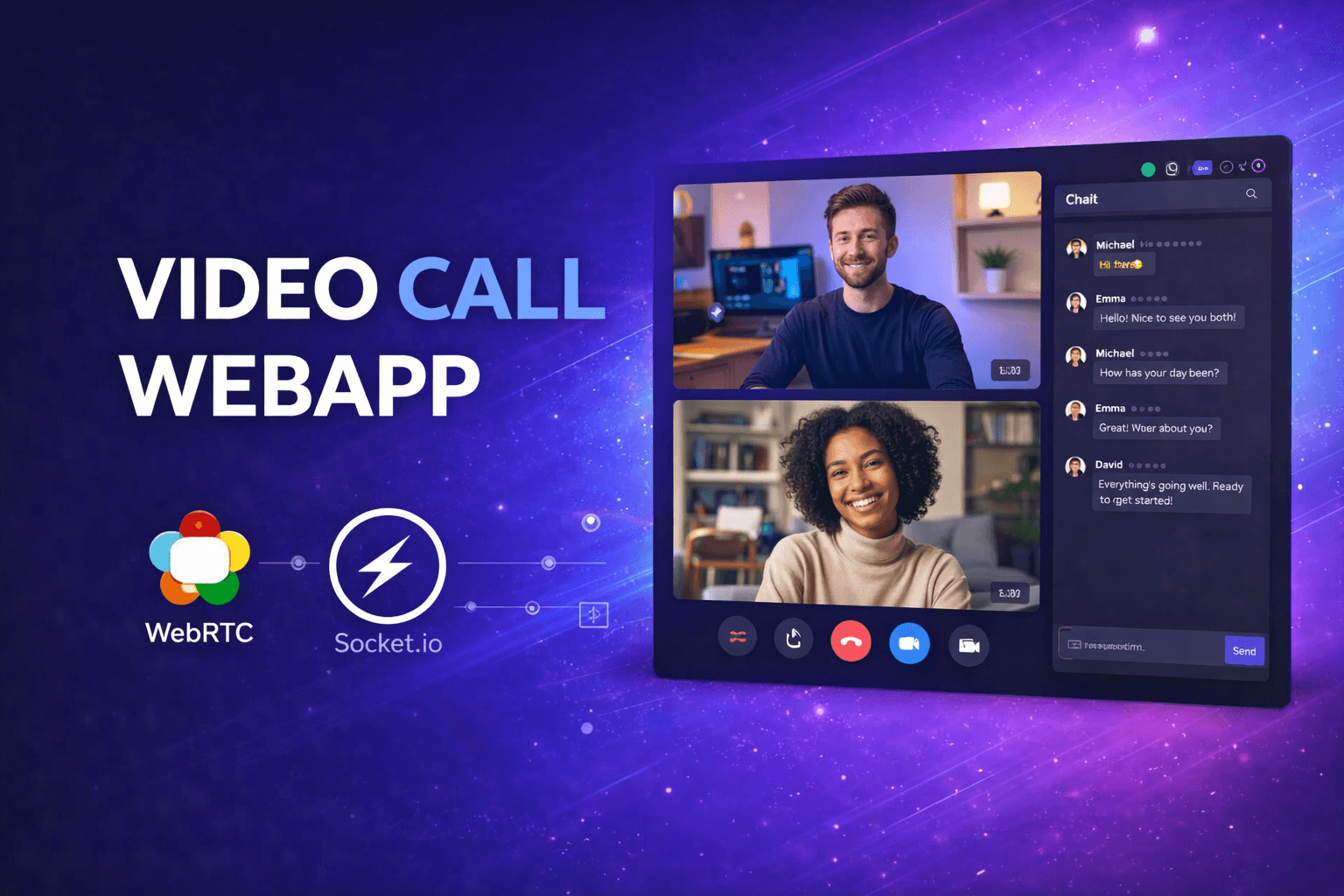
Video Call WebApp
A real-time peer-to-peer video calling application that enables seamless video communication between users using WebRTC and Socket.io, similar to Zoom or Google Meet but simpler and more lightweight.
Timeline
1 month
Role
Full Stack Developer
Team
Solo
Status
CompletedTechnology Stack
Key Challenges
- WebRTC Peer Connection Setup
- Socket.io Signaling Implementation
- NAT Traversal with STUN/TURN
- Real-time State Synchronization
- Media Stream Management
- Connection Error Handling
- Cross-browser Compatibility
Key Learnings
- WebRTC Architecture and APIs
- Socket.io Real-time Communication
- SimplePeer Library Integration
- SDP Offer/Answer Exchange
- ICE Candidate Handling
- Media Device Access APIs
- Peer-to-Peer Networking
- Material-UI Component Design
Video Call WebApp
Overview
A real-time peer-to-peer video calling application that enables seamless video communication between users. Built with modern web technologies, this application allows users to instantly connect with others using a unique caller ID - similar to Zoom or Google Meet, but simpler and more lightweight. The system uses WebRTC for direct peer-to-peer connections and Socket.io for signaling.
Key Features
- Peer-to-Peer Video Chat: Direct video and audio communication using WebRTC technology
- Instant Connection: Join calls using a unique caller ID - no account registration required
- Real-time Signaling: Socket.io handles call setup and connection management efficiently
- Responsive UI: Material-UI components provide a clean, modern interface
- Copy to Clipboard: Easy sharing of your caller ID with one click
- Call Notifications: Visual alerts for incoming calls with caller information
- End Call: Simple call termination with automatic cleanup of resources
- Camera/Microphone Access: Seamless media device access and management
- Connection Status: Real-time connection status and quality indicators
Why I Built This
I wanted to explore the fascinating world of real-time communication and understand how video calling platforms work under the hood. This project helped me learn:
- The complexities of WebRTC peer-to-peer connections
- Real-time signaling protocols and their implementation
- Managing media streams and device permissions
- Building scalable real-time applications
Tech Stack
- Frontend: React.js, Material-UI
- Backend: Node.js, Express.js
- Real-time Communication: Socket.io
- WebRTC: SimplePeer (WebRTC wrapper)
- Deployment: Vercel (Client), Render (Server)
Architecture & How It Works
Initial Connection
When a user opens the application, the React client requests camera and microphone access. A WebSocket connection is established with the server via Socket.io, and the server assigns a unique socket ID that serves as the caller ID.
Initiating a Call
When User A wants to call User B, a new SimplePeer instance is created with initiator: true. The peer generates an SDP offer containing connection details, which is sent to the server and forwarded to User B.
Receiving and Answering
User B receives the call notification and can choose to answer. When answered, User B creates a SimplePeer instance with initiator: false and generates an SDP answer, which is sent back to User A through the server.
Establishing Connection
Once both peers have exchanged signals, a direct WebRTC connection is established. Media streams flow directly between peers without passing through the server, ensuring low latency and high quality.
Ending the Call
When either user ends the call, the peer connection is destroyed, resources are cleaned up, and both users are notified.
Technical Highlights
WebRTC Integration
Implemented WebRTC for direct browser-to-browser communication, handling media stream capture, encoding, transmission, and NAT traversal using STUN/TURN servers.
Socket.io Signaling
Built real-time bidirectional communication between clients and server for exchanging SDP offers/answers, ICE candidates, and handling user presence.
SimplePeer Wrapper
Utilized SimplePeer library to simplify WebRTC API complexity, managing peer connection lifecycle and providing a clean event-driven API.
React Context API
Implemented global state management for call state, making socket connections and peer functions available throughout the application.
Material-UI Design
Created a modern, responsive interface using Material-UI components, ensuring consistent design and excellent user experience.
Challenges & Solutions
WebRTC Peer Connection Setup
Mastered the complex WebRTC APIs including RTCPeerConnection, getUserMedia, and data channels to establish reliable peer-to-peer video connections.
Socket.io Signaling Implementation
Built robust signaling mechanism using Socket.io to exchange SDP offers/answers and ICE candidates between peers for connection establishment.
NAT Traversal with STUN/TURN
Configured STUN/TURN servers to handle NAT traversal and firewall issues, ensuring connections work across different network configurations.
Real-time State Synchronization
Implemented React Context API to synchronize call state, socket connections, and peer instances across components in real-time.
Media Stream Management
Handled camera and microphone permissions, stream capture, and proper cleanup of media resources when calls end.
Connection Error Handling
Built comprehensive error handling for connection failures, permission denials, and unexpected disconnections with user-friendly messages.
Cross-browser Compatibility
Ensured WebRTC functionality works across different browsers by handling vendor prefixes and API differences.
Security Considerations
- All video/audio streams transmitted directly between peers (P2P)
- Server only handles signaling data, not media streams
- Proper CORS configuration for secure communication
- HTTPS required for WebRTC in production
- No data persistence or recording on servers
Problem Solved
Video calling platforms like Zoom and Google Meet seem like black boxes to most developers. Understanding WebRTC, signaling, and peer-to-peer connections requires hands-on experience. This project breaks down the complexity of real-time video communication into understandable components that any developer can learn from.
What Makes It Unique
This isn't just another tutorial project - it's a fully functional video calling app with production-grade architecture. The use of SimplePeer as a WebRTC wrapper simplifies complex APIs while maintaining full functionality. The unique caller ID system allows instant connections without user registration, similar to how Zoom meeting IDs work.
Impact
- WebRTC Expertise: Developed deep understanding of WebRTC protocols, SDP negotiation, and ICE candidate exchange - knowledge applicable to any real-time communication project
- Full-Stack Skills: Combined React frontend, Node.js backend, and Socket.io real-time layer into a cohesive application
- Problem-Solving Growth: Tackled complex challenges like NAT traversal and cross-browser compatibility that expanded my debugging capabilities
Future Enhancements
- Add screen sharing functionality
- Implement group video calls (multi-peer)
- Add chat messaging during calls
- Implement call recording feature
- Add virtual backgrounds
- Create waiting room functionality
- Add call scheduling and history
- Implement authentication system