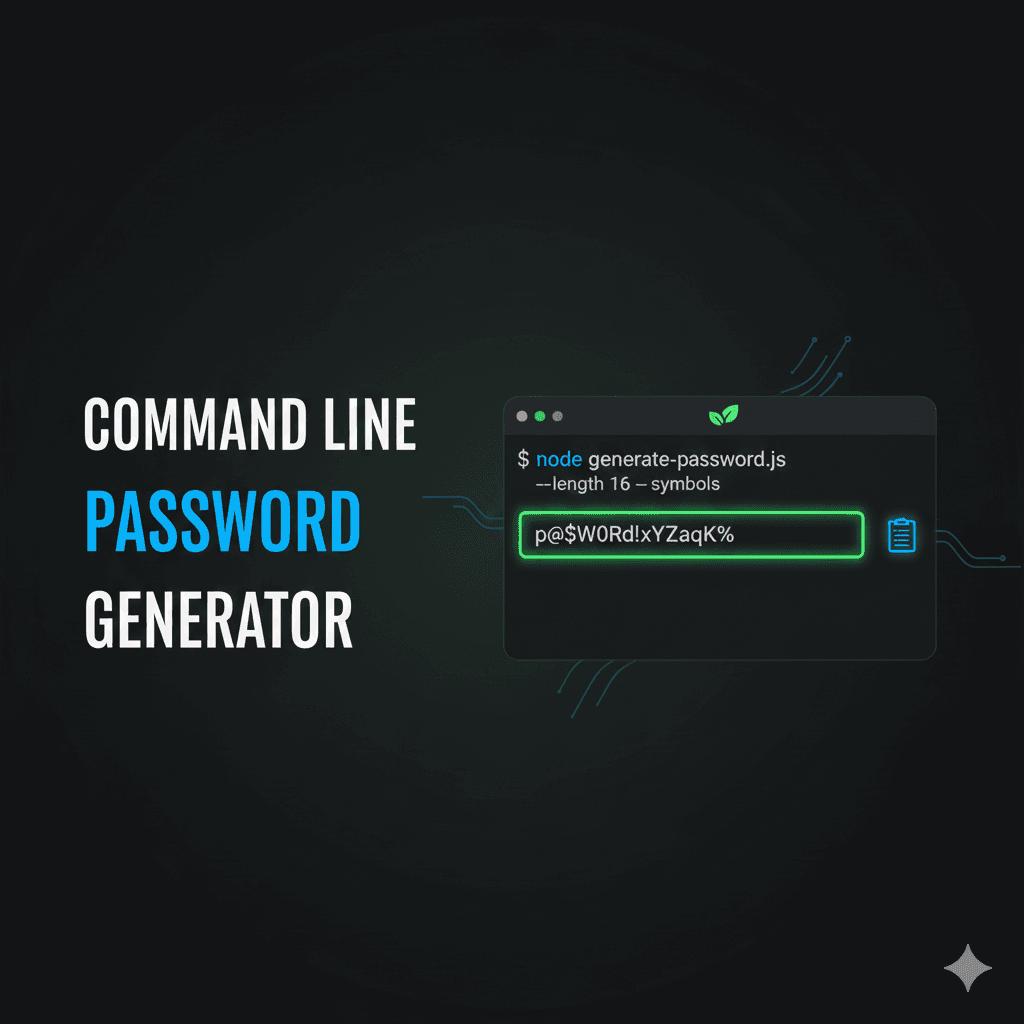
Command Line Password Generator
A Node.js command-line tool that generates secure random passwords and automatically copies them to your clipboard with customizable options for length, character types, and persistence.
Timeline
1 week
Role
CLI Developer
Team
Solo
Status
CompletedTechnology Stack
Key Challenges
- CLI Argument Parsing
- Cross-platform Clipboard Integration
- Character Pool Randomization
- File System Persistence
- Global npm Package Installation
Key Learnings
- Commander.js CLI Framework
- Node.js CLI Development
- Clipboard API Integration
- Terminal Styling with Chalk
- npm Link Global Commands
- Secure Random Generation
Command Line Password Generator
Overview
A powerful Node.js command-line tool that generates secure random passwords with customizable options. The tool automatically copies generated passwords to your system clipboard for immediate use and optionally saves them to a local file. Perfect for developers, security professionals, and anyone who needs quick access to strong passwords.
Key Features
- Secure Random Generation: Creates cryptographically strong passwords using random character selection
- Customizable Length: Generate passwords from 1 to any desired length (default: 8 characters)
- Character Type Control: Include or exclude numbers and symbols as needed
- Automatic Clipboard Copy: Instantly copies generated passwords to system clipboard
- Optional Persistence: Save passwords to
passwords.txtfile with-sflag - Global Installation: Install globally via
npm linkto use from anywhere - Colored Output: Beautiful terminal output using Chalk for better readability
- Cross-platform: Works on Windows, macOS, and Linux
How It Works
Character Set Creation
Builds a pool of characters including uppercase and lowercase letters (always included), numbers (optional, included by default), and symbols (optional, included by default).
Random Password Generation
Randomly selects characters from the pool using secure random methods to create a password of the specified length, ensuring each character has equal probability of selection.
Clipboard Integration
Uses Clipboardy for cross-platform clipboard access, automatically copying the generated password for immediate pasting into applications.
Optional File Persistence
When the -s flag is used, appends the generated password with timestamp to passwords.txt in the project root directory.
Tech Stack
- Runtime: Node.js
- CLI Framework: Commander.js
- Terminal Styling: Chalk
- Clipboard: Clipboardy
- Language: JavaScript
Technical Highlights
Commander.js Integration
Utilized Commander.js for robust command-line interface with option parsing, default values, help generation, and version management.
Secure Random Generation
Implemented secure password generation using JavaScript's random methods with proper character pool shuffling for true randomness.
Cross-platform Clipboard
Integrated Clipboardy library for seamless clipboard access across Windows, macOS, and Linux operating systems.
Global npm Command
Configured package.json with proper bin field and used npm link to create globally accessible passgen command.
Terminal Styling
Applied Chalk library for colored terminal output, making success messages green, errors red, and passwords blue for visual clarity.
Usage Examples
# Generate an 8-character password (default)
passgen

# Generate a 16-character password
passgen -l 16

# Generate a password without numbers
passgen --no-numbers

# Generate a password without symbols
passgen --no-symbols

# Generate a 12-character password with only letters and numbers
passgen -l 12 --no-symbols

# Generate a password and save it to passwords.txt
passgen -s

# Combine multiple options
passgen -l 20 -s --no-symbols
Command Options
-l, --length <number>- Password length (default: 8)-s, --save- Save password to passwords.txt-nn, --no-numbers- Exclude numbers-ns, --no-symbols- Exclude symbols-h, --help- Display help information-V, --version- Display version number
Installation
Local Usage
npm install
node index.js [options]
Global Installation
npm link
passgen [options]

# Remove global command
npm unlink
Challenges & Solutions
CLI Argument Parsing
Implemented Commander.js framework to handle command-line arguments, options, flags, and generate automatic help documentation with proper error handling.
Cross-platform Clipboard Integration
Used Clipboardy library to handle clipboard operations across different operating systems (Windows, macOS, Linux) with consistent API.
Character Pool Randomization
Built secure character pool system that dynamically includes/excludes numbers and symbols based on user flags, ensuring true random selection.
File System Persistence
Implemented fs.appendFile() to save passwords with timestamps to local file when requested, with proper error handling for file operations.
Global npm Package Installation
Configured package.json with bin field and proper entry point, using npm link to create globally accessible command-line tool.
Project Structure
passgen/
├── index.js                 # Main CLI entry point
├── package.json             # Dependencies and configuration
├── passwords.txt            # Generated when using -s flag
└── utils/
   ├── createPassword.js    # Password generation logic
   └── savePassword.js      # File saving functionality
Problem Solved
Generating strong passwords manually is tedious and often results in weak, predictable patterns. Online password generators require trusting third-party websites with your security. This CLI tool generates secure passwords locally, instantly copies them to clipboard, and works offline - no trust required.
What Makes It Unique
Unlike browser-based tools, this runs entirely on your machine with no network requests. The Commander.js integration provides a professional CLI experience with proper help docs and version info. The npm link feature turns it into a globally accessible command - type passgen from anywhere in your terminal.
Impact
- CLI Development Skills: Mastered Node.js CLI development patterns including Commander.js, Chalk for styling, and Clipboardy for clipboard access
- npm Package Publishing: Learned how to structure packages for global installation using npm link and bin configuration
- Daily Utility: Created a tool I actually use regularly for generating passwords during development and personal use
Future Enhancements
- Add password strength indicator
- Implement password history with encryption
- Add pronounceable password generation
- Create GUI version for non-technical users
- Add password expiry tracking
- Implement secure password vault
- Add password pattern customization
- Create browser extension version